Microsoft’s Big AI Push
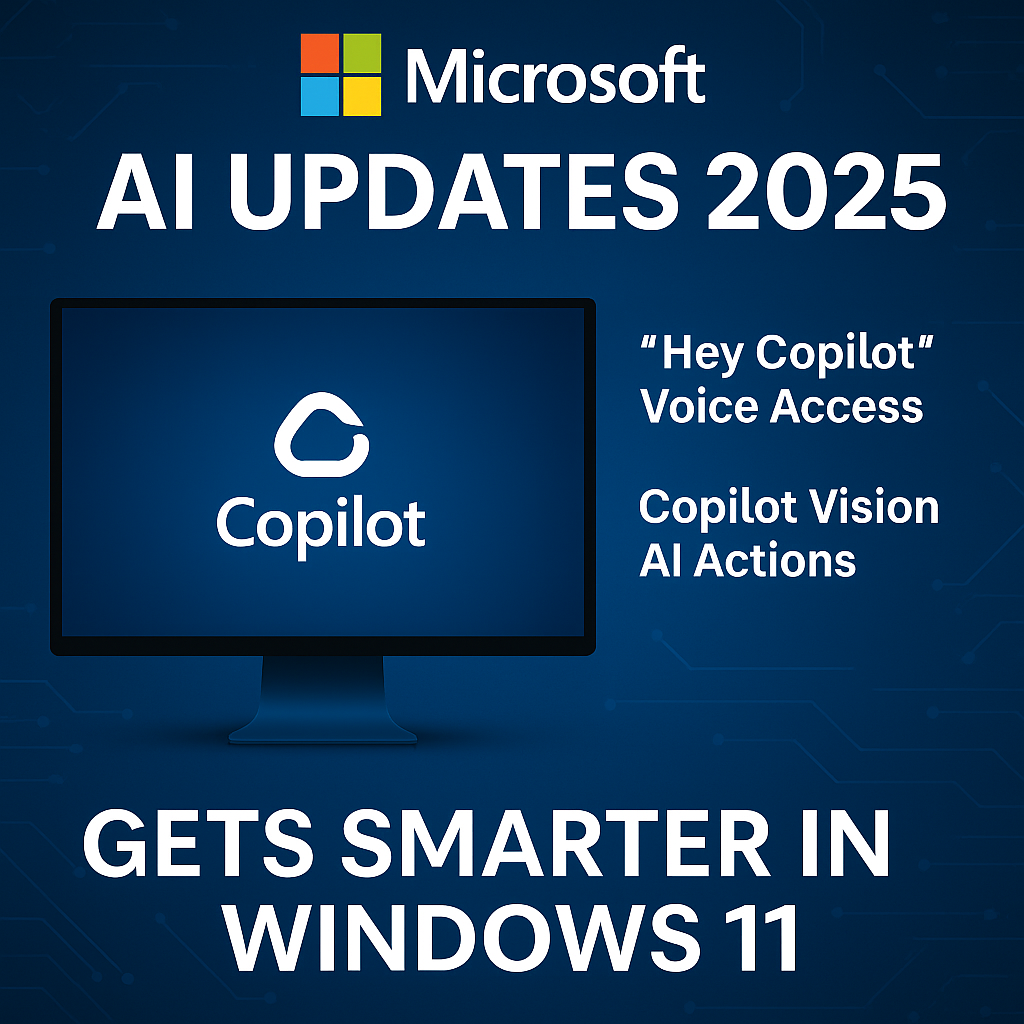
Microsoft AI Updates 2025 are here — bringing powerful new Copilot features directly into Windows 11. These updates make artificial intelligence a natural part of daily computer use, not just a separate app.
The goal is clear: AI should be as easy to use as clicking the Start button.
What’s New in the Update
Here’s what users are getting with the latest release:
“Hey Copilot” Voice Command
You can now summon Copilot hands-free — just say “Hey Copilot” and start talking.
Whether you want to open apps, summarize documents, or ask questions, the assistant is ready without typing a single word.
Copilot Vision Goes Global
The Copilot Vision feature — first tested in the U.S. — is now expanding worldwide.
It lets your PC camera identify on-screen items, describe them, and even perform related actions.
For example, if you’re viewing a photo, Copilot can recognize the object and help you search or edit it.
New Copilot Actions
Microsoft also introduced Copilot Actions, a smart layer that connects Copilot directly with Windows apps.
You can say things like:
- “Set up a new meeting tomorrow at 2 PM,”
- “Turn on Focus Assist,”
- or “Share this document on Teams.”
Copilot now performs these commands automatically, working like a true digital assistant inside your desktop.
Why It Matters
These updates make AI a built-in part of Windows 11, not just a separate app.
It’s a move toward everyday AI — where your system understands intent and takes real actions.
For businesses and freelancers, this means:
- Faster workflows
- Less time spent switching between tools
- A smoother, voice-first experience for managing daily tasks
Microsoft says the rollout will reach all Windows 11 users within the next few weeks.
What It Means for Everyday Users
You don’t need to be a tech expert to use these features.
If your PC already runs Windows 11, the update installs automatically.
To activate Copilot, just:
- Say “Hey Copilot”, or
- Click the Copilot icon on your taskbar.
From checking emails to generating quick drafts, Copilot’s smarter memory and new vision tools are making the PC feel more personal than ever.
The Bigger Picture
Microsoft’s focus on everyday AI shows how fast the technology is becoming part of normal life — not just for coders or large companies.
By embedding it directly into Windows, Microsoft is ensuring that millions of people get hands-on experience with AI every day.
The company’s next step?
Integrating Copilot across Office 365, Teams, and Edge so that the same assistant follows you wherever you work.
AI isn’t something futuristic anymore — it’s already on your desktop.
With these Windows 11 upgrades, Microsoft is proving that AI is ready for everyone — whether you’re working, studying, or creatin